
Does Instagram Notify When You Screenshot a Story? (2026 Truth)
You see it on a Story. A sale, a quote, an outfit you want to remember. Your thumb hovers over the screenshot buttons, and then the doubt kicks in.
Will they know? Will your name pop up in their notifications?
That fear stops a lot of people mid-tap, and honestly, most of the internet gives you a confusing answer. I built anonimogram, and I have spent years watching how Instagram actually handles this stuff. Let me give you the straight version.
The Short Answer
No. Instagram does not notify anyone when you screenshot a Story.
You can capture any Story, and the poster gets no alert. No notification, no icon on the viewer list, no message anywhere in the app saying you took a screenshot.
But there is one place where Instagram absolutely does notify. Disappearing photos and videos sent in direct messages. That exception is real, and it is the reason the myth refuses to die.
Stick with me and I will show you exactly where the line sits.
The Full 2026 Screenshot Matrix
Here is the whole thing in one place, because this is where most guides confuse you. The rule is simple: it depends on WHAT you screenshot, not how you screenshot it.
| What you capture | Does anyone get notified? |
|---|---|
| Story screenshot or screen recording | No |
| Close Friends Story screenshot | No |
| Reel screenshot or screen recording | No |
| Feed post screenshot | No |
| Profile or bio screenshot | No |
| Highlight screenshot | No |
| Live video screenshot | No |
| Regular DM (texts, shared posts, normal camera photos) | No |
| Disappearing photo or video in a DM (View Once or Allow Replay) | Yes, the sender is notified |
| Screenshot inside a Vanish Mode chat | Yes, everyone in the chat sees an alert |
Bookmark that table. It is the entire policy, and it has barely moved since 2018.
Why Everyone Still Thinks Stories Notify
Real talk, this myth has a genuine origin story. Back in early 2018, Instagram actually tested Story screenshot notifications.
For a few months, some users saw a small shutter icon next to a viewer’s name if that viewer had screenshotted their Story. The backlash was immediate and loud. People hated being outed for saving casual content.
By June 2018, Instagram killed the test and confirmed it was gone. But the rumor never fully died, because screenshots of that test kept circulating for years afterward.
Snapchat adds to the confusion. Snapchat notifies for almost everything, so people assume Instagram stories work the same way. They do not, and honestly, Instagram has now held the opposite policy for eight straight years.
One more thing keeps the myth alive: the one real exception. People notice the disappearing-DM alert, assume the same logic must apply everywhere, and the confusion spreads. Breaking each content type apart is exactly what kills that assumption.
Stories Are Silent: What the Poster Can Actually See
Okay, so if nobody gets a screenshot alert, what CAN a Story poster see? Let me explain, because there is still a visible trace that catches people.
Open one of your own Stories and swipe up. You will see every account that watched it. That viewer list is the one real trace of your visit.
Screenshotting does not add anything to it. Your name appears once because you watched, not because you captured. The poster can never tell whether you screenshotted, screen recorded, or just watched and moved on.
When I was testing this while building anonimogram’s story handling, I ran test Stories on real accounts and checked every surface the poster can see. No screenshot marker, no special icon, no viewer-list badge. Just your name, the same as any other viewer.
And that list only survives about 48 hours anyway, so even the viewing trace has an expiry date. I break that full timeline down in my guide on how story viewer lists work.
The One Place That DOES Notify: Disappearing DMs
Here is the exception, and you need to know it cold. If someone sends you a disappearing photo or video in a DM and you screenshot it, Instagram tells them.
This covers two things. First, photos and videos sent with “View Once” or “Allow Replay” selected, the camera-icon messages in DMs. Second, anything screenshotted inside a Vanish Mode chat, where messages disappear after being seen.
What does the sender actually see? An explicit alert right in the thread, a “Screenshot taken” style note attached to your name. There is no sneaking past it.
Why the double standard? Because the sender explicitly marked that content as temporary. Instagram treats capturing it as overriding the sender’s stated intent, so it reports it.
Regular content is assumed public-facing, so it stays silent.
In my personal experience, this is the single most misunderstood rule on the platform. People treat “Instagram tells people about screenshots” as a general rule when it is really a narrow one, scoped to disappearing DMs only.
My practical advice: if a disappearing message matters to you, just ask the sender to resend it as a regular photo. One short message, zero awkwardness, and a permanent copy with their full consent.
Screen Recording Follows the Same Rules
People always ask me about screen recording separately, so let me settle it. The rules are identical.
Record a Story, a Reel, or a feed post and nobody is notified. Record a disappearing DM photo or a Vanish Mode chat and the sender gets the alert. Same line, same policy.
Instagram does not run a separate detection system for video capture. If screenshots are silent for a content type, recordings are silent too.
Close Friends Stories and Private Accounts
Close Friends stories follow the exact same rule as regular stories: no notification. The green ring limits WHO can watch, not what watchers can capture.
Private accounts work the same way. If you follow a private account and screenshot their Story, they get no alert. The screenshot policy does not change with account type, personal, creator, or business.
Now let me be straight with you on the ethics side. Screenshotting someone’s private-content Story and spreading it around is a trust violation even when no notification fires. Keep private content private. The tool being silent does not make sharing it okay.
Viewer Tools and Screenshots: An Extra Layer of Quiet
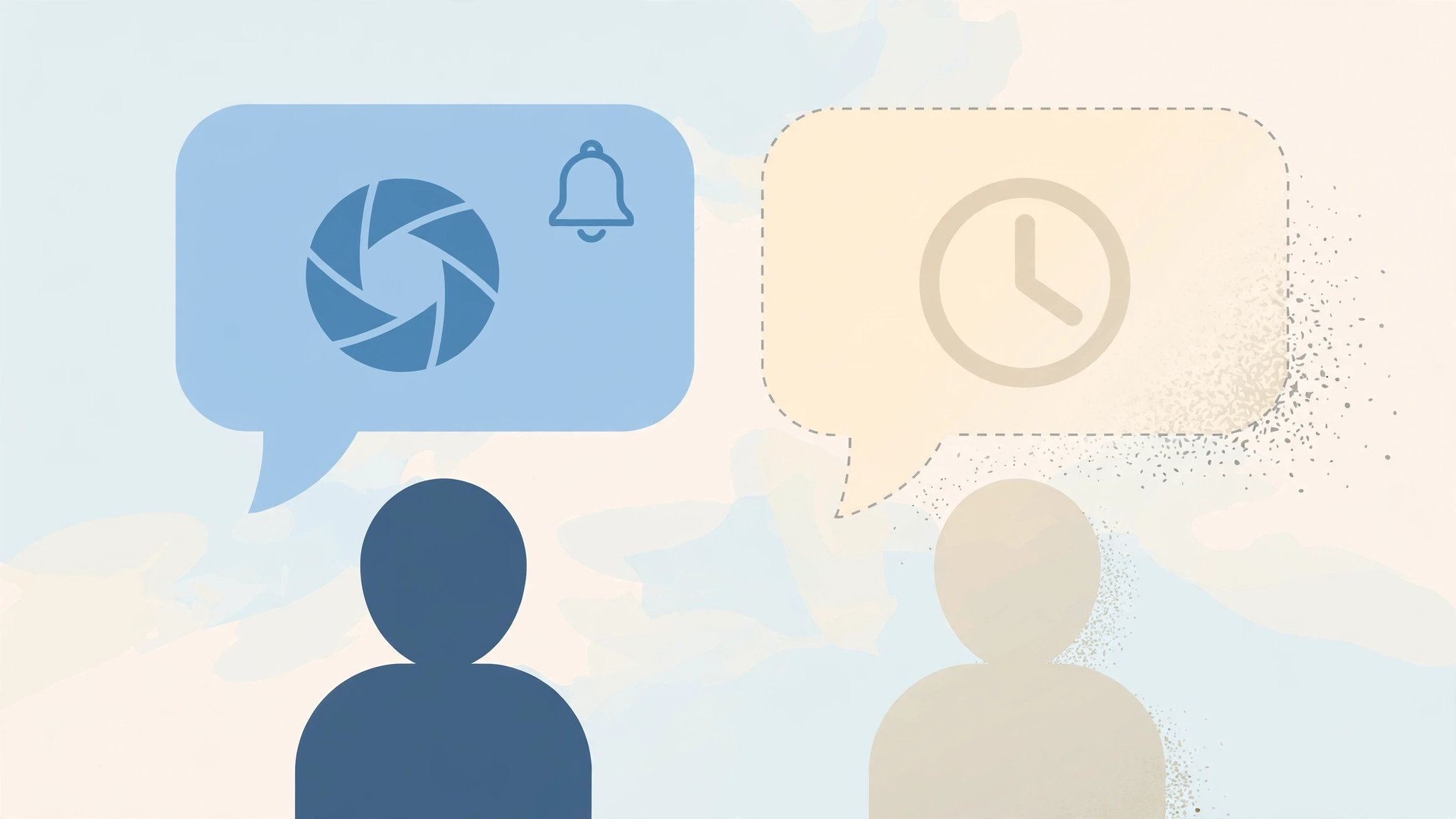
Here is something most guides miss. If you view and capture through an anonymous viewer tool, you skip Instagram’s tracking entirely.
When I run profile lookups through our own tool, the visit never touches Instagram’s servers as you. No login, no session, no view recorded.
So screenshotting from a viewer tool adds nothing for the poster to see, because there was never a viewer-list entry in the first place.
That said, the honest boundary still applies. Viewer tools only ever show public content, and screenshots of public content for personal use are fine. Nothing here unlocks private accounts, and any tool claiming otherwise is scamming you.
Can Third-Party Apps Detect Story Screenshots?
Short answer: no, not reliably. Instagram does not offer screenshot detection to third-party apps, and any app claiming it can tell you who screenshotted your Story is lying.
Dear, this one matters, because these apps are usually the scam. To “detect” screenshots, they ask for your Instagram login. That is a credential-harvesting funnel wearing an analytics costume.
I covered the full red-flag list in my guide on whether story viewers are safe to use. The rule is simple: no app can see screenshot activity that Instagram itself does not expose.
If Someone Screenshots YOUR Story
Flip the question around for a second. You post Stories and you do not love the idea of strangers saving them. What can you actually do?
First, accept the reality: anyone can screenshot your Story and you will never know. That has been true since 2018 and it is not changing.
What you CAN do is control the audience. Close Friends limits viewers to people you trust. A private account limits viewers to approved followers.
Both shrink the pool of people who could capture your content. And if someone reposts your screenshot without permission, Instagram’s reporting tools and DMCA process are the real remedy, not a screenshot alert that does not exist.
Frequently Asked Questions
Does Instagram notify when you screenshot a story?
No. Stories, including Close Friends stories, can be screenshotted or screen recorded with no notification to the poster. Instagram tested this feature briefly in 2018 and removed it the same year.
Can someone see if I screenshot their story using a viewer tool?
No. A viewer tool never logs you in, so your visit never appears on their viewer list at all. Screenshotting from a tool adds nothing, because there was no recorded view to begin with.
Does Instagram notify when you screen record a story?
No. Screen recording follows the same rules as screenshots. Stories, reels, posts, and regular DMs are silent. Only disappearing DM content and Vanish Mode chats trigger an alert.
Does Instagram notify when you screenshot a DM?
It depends on the DM type. Regular DMs, texts, shared posts, and normal camera photos: no notification. Disappearing photos and videos (View Once or Allow Replay) and Vanish Mode chats: yes, the sender is notified.
Does Instagram notify when you screenshot a reel or post?
No. Reels, feed posts, profiles, bios, and highlights never trigger screenshot notifications. You can capture them freely without the creator knowing.
Why does Instagram notify for disappearing DMs but not stories?
Because disappearing content is explicitly marked temporary by the sender. Instagram treats capturing it as overriding the sender’s intent, so it reports it. Stories and posts are public-facing content, so no alert fires.
Can the poster tell I screenshotted from their viewer list?
No. The viewer list shows who watched, nothing more. Screenshots and screen recordings leave no marker, icon, or badge on the list. A screenshot looks identical to a normal view.
Will Instagram ever bring back story screenshot notifications?
Nothing suggests it. The 2018 test was pulled after user backlash, and Meta has held the current policy for eight years. Disappearing-DM alerts keep getting stricter instead, which tells you where their priorities sit.
The Bottom Line
So, does Instagram notify when you screenshot a story? No. Screenshot stories, reels, posts, highlights, and regular DMs freely, because none of them alert anyone.
The one and only exception is disappearing content in DMs. View Once, Allow Replay, and Vanish Mode screenshots tell the sender. Remember that narrow rule and you will never get caught off guard.
That is the same honesty I built anonimogram on: public content with nothing demanded, and straight answers about what Instagram tracks and what it does not. If you want to browse public stories without an account and without leaving a viewer-list trace, try it right here and see for yourself.
Try the public Instagram viewer
Search any public profile — no account or login required.
Related articles
How to View Instagram Reels Without an Account (2026 Guide)
Want to watch Instagram reels without an account? I tested every working method in 2026, from shared links to anonymous viewers, and explain the login wall honestly.
Is It Legal to View Instagram Stories Anonymously? Honest Answer (2026)
Is it legal to view Instagram stories anonymously? Honest answer: what the law says, what Instagram’s Terms actually mean, and the real risks you face.
Instagram Story Viewer for iPhone: Watch Anonymously With No App (2026)
Looking for an Instagram story viewer for iPhone with no app install? Here’s how to watch stories anonymously in Safari, save them to your camera roll, and which iPhone tricks actually work in 2026.