
How to View Instagram Stories Without an Account (2026)
You want to see someone’s Instagram Story, but you don’t have an account — or you don’t want them to know it was you. Maybe you deleted Instagram, maybe you never signed up, or maybe you just don’t want your name sitting on their viewer list. Here is the straight truth about what is actually possible without an account, what every “no login story viewer” gets wrong, and the legitimate ways to browse Instagram content anonymously in 2026.
The Short Answer
If your goal is to watch Instagram Stories with zero login, the honest answer is that no legitimate tool can do it. Instagram only serves Story content to authenticated sessions. Any site claiming to show you Stories with no login at all is either showing you cached Highlights (not live Stories), showing you nothing, or running a scam.
The good news: “no account” and “anonymous” are two different things. You can browse most of a public Instagram profile anonymously without an account — just not the live Stories tray. And if you are willing to log in with your own Instagram account through a viewer like anonimogram, you can watch Stories while keeping your browsing separate from the Instagram app.
Why Instagram Locks Stories Behind a Login
Stories are Instagram’s most engagement-driven format, and the company treats them as a logged-in experience for two reasons. First, every Story view is tracked and shown to the person who posted it — that viewer list only makes sense inside an authenticated session. Second, Stories are ephemeral and personalized (polls, questions, close-friends lists), so Instagram never built a public, logged-out endpoint for them.
We tested this directly: visiting a public profile’s story URL while logged out returns a login prompt, not the Story. There is no metadata, no thumbnail, no workaround at the public tier. This is not a limitation of viewer tools — it is how Instagram itself is built. Any tool that respects Instagram’s boundaries, including ours, hits the same wall.
What You Can Actually See Without an Account
Here is the part most guides skip: a surprising amount of public Instagram content is fully accessible without logging in. On anonimogram, all of the following work with no account and no login:
- Public profiles: bio, profile photo, follower and following counts, and the full name behind the account.
- Posts: the recent photo and video grid from public accounts, including captions.
- Reels: short-form videos are served the same way as posts and viewable without an account.
- Highlights: saved Story collections on a public profile are accessible — these are the closest thing to “Stories without an account,” since Highlights are just Stories the user chose to keep visible.
All of this is genuinely anonymous: because you never log in, there is no account for Instagram to attach the visit to, and your name never appears on anyone’s viewer list.
How to Browse Instagram Without an Account: Step by Step
You don’t need an app, an account, or any install. These steps work on any modern device — the only thing that changes is which browser you open.
On iPhone (Safari)
- Open Safari and go to anonimogram.com.
- Tap the search bar and type the profile’s username (without the @ symbol).
- The profile overview loads: bio, follower and following counts, and the recent posts grid — no login, no app install.
- Tap the Highlights tab to open saved Story collections — the closest no-login equivalent to Stories.
On Android (Chrome)
- Open Chrome and go to anonimogram.com.
- Enter the public profile’s username in the search bar.
- Browse the profile overview — bio, stats, and recent posts load without any login.
- Open the Highlights tab to see saved Story collections.
On desktop (any browser)
- Go to anonimogram.com in Chrome, Edge, Firefox, or Safari.
- Search the username and browse the full profile grid on the larger layout.
- Right-click any post to open it in a new tab, or use the Highlights tab for saved Story collections.
One honest limitation across all devices: without an account you cannot like, comment, follow, or message — those actions require authentication by design. Viewing is fully available; interacting is not.
Can you download content without an account?
For photos from public posts, yes: long-press (mobile) or right-click (desktop) and save the image from your browser. For videos and Reels there is no direct download button at the logged-out tier, so the honest workaround is your device’s built-in screen recording. Two caveats: you get the displayed resolution, not the original upload quality — and anything you save is for personal use. Reposting someone’s content without permission can violate copyright even when the profile is public.
If you need live Stories, use the login option to connect your own Instagram session.
Stories vs Highlights: The Practical Difference
Since Highlights are the main thing you can access without an account, it is worth understanding exactly how they compare to live Stories:
- Freshness: Stories show what is happening right now (last 24 hours). Highlights show what the account owner chose to preserve — it could be from today or two years ago.
- Interactivity: live Stories can include polls, questions, and quizzes you could tap through. Highlights are view-only replays; the interactive elements are frozen.
- Completeness: not every Story becomes a Highlight. Many accounts post Stories daily but curate only a few into Highlights, so you are seeing a selection, not the full feed.
- Anonymity: this is where Highlights win outright. Viewing a Highlight without an account records nothing, while watching a live Story logged in puts your name on the viewer list.
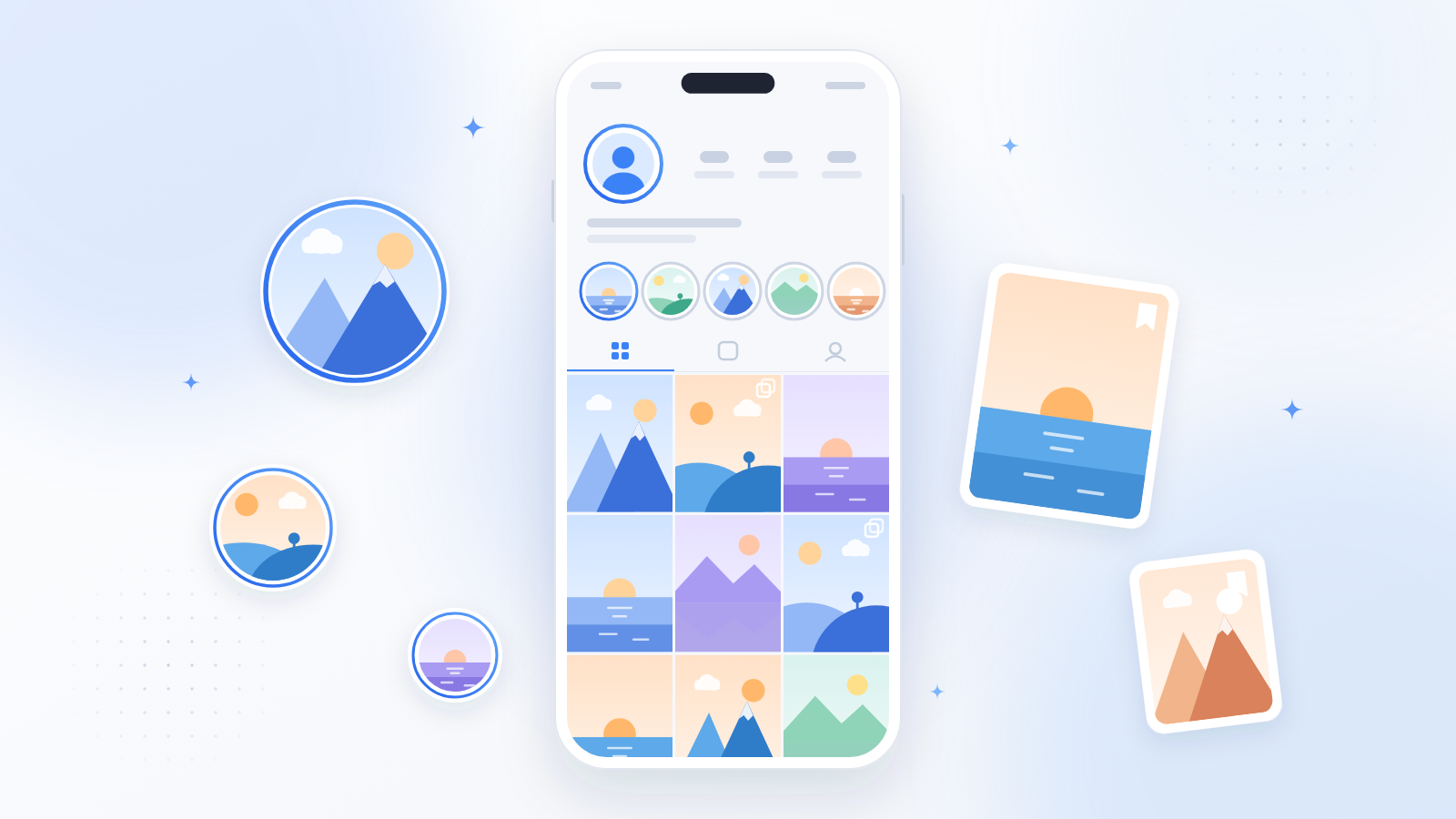
In practice, if you are checking up on a public figure, brand, or creator, their Highlights often tell you more than their current Stories anyway — announcements, product launches, and FAQs tend to live there permanently.
Will They Know? The Screenshot Question, Answered Honestly
This is one of the most searched questions in this niche, and misinformation is rampant — some blogs claim Instagram started sending story-screenshot alerts, others say it “always notifies.” Here is the straight truth as of 2026:
- Screenshotting a Story: no notification. Instagram has never alerted users about Story screenshots.
- Screenshotting a post, Reel, or profile: no notification.
- Screen-recording a Story: no notification.
- The one real exception: disappearing photos and videos sent in DMs (vanish mode) — the sender is notified if you screenshot those.
Why the confusion? Snapchat does notify on screenshots, and people assume Instagram works the same way — it doesn’t. And remember the bigger point: when you browse without an account through a viewer, there is no identity attached to you at all. Instagram tracks Story views only for logged-in sessions, and it has never tracked profile visits. No login means nothing to record.
The One Legitimate Way to Watch Stories: Log In With Your Own Account
If watching live Stories is what you actually need, there is exactly one honest method: authenticate with your own Instagram account. On anonimogram this is called instalogin — you connect your own Instagram session through the site, and Story viewing then works with your own credentials, exactly as if you had opened the Instagram app yourself.
Two things to understand about this, stated plainly:
- The site never asks for your password on its own pages. You authenticate with Instagram itself, not by typing credentials into a third-party form.
- Your views are not anonymous anymore. Because you are logged in as yourself, Instagram counts the view normally and your username appears on the poster’s viewer list — same as in the app. Anyone telling you otherwise is misleading you.
This is the trade-off, and we would rather state it clearly than sell a fantasy: anonymous browsing for public content with no account, or full Story access with your own login and a visible view.
Why So Many “No Login” Tools Disappoint
You may have noticed a pattern: you search for a story viewer, land on a promising site, enter a username — and get a spinner, a survey, or an error. This happens because the underlying reality (no logged-out Story access exists) collides with the marketing (every site wants the “story viewer” keyword). Honest tools tell you upfront what requires login. The rest burn your time hoping you will complete a paid survey before giving up.
Here is how to tell the honest ones from the traps: if a site shows you a loading bar, then demands you “verify you are human” with a survey, download, or login to a different service — close the tab. Legitimate viewers show public content immediately or tell you plainly when something requires login. They never hold content hostage behind surveys, and they never promise to unlock private accounts. Knowing the technical truth from the sections above turns you into an instant scam detector: any promise of logged-out Story viewing is, by definition, false.
Frequently Asked Questions
Can I really not see Stories without any login?
Correct. Instagram serves zero Story content to logged-out visitors — not even a thumbnail. Highlights, posts, and profile info are available without login, but live Stories require authentication.
What is the difference between Stories and Highlights?
Stories disappear after 24 hours and need a login to view. Highlights are Stories the account owner saved to their profile permanently, and they are publicly viewable without an account.
Does anonimogram work without an Instagram account?
Yes, for public profiles, posts, Reels, and Highlights — no account needed and your visit stays anonymous. Live Stories require connecting your own Instagram login.
Will the person know I viewed their profile?
No. Instagram only tracks Story views, not profile visits. Browsing a public profile without an account leaves no trace tied to you.
Does Instagram notify when you screenshot a Story?
No. Instagram does not send notifications for screenshots of Stories, posts, Reels, or profiles. The only screenshot alert on Instagram is for disappearing photos and videos in DMs — the sender is notified there.
Can I download Instagram Stories without an account?
Live Stories can’t be accessed without a login at all, so they can’t be downloaded that way either. Public posts and Highlights can be saved through your browser or screen recording for personal use — just don’t repost without permission.
Do I need to install an app to view Instagram without an account?
No. Browser-based viewers work on iPhone, Android, and desktop with nothing to install. Treat any app that demands your Instagram login to “unlock” viewing as a red flag.
Is it legal to view public Instagram content without an account?
Viewing content the account owner chose to make public is not bypassing anything — you are seeing exactly what Instagram shows any logged-out visitor. Private accounts remain off-limits.
Conclusion
You cannot watch Instagram Stories with no account — that is Instagram’s design, not a missing feature. But you can anonymously explore public profiles, posts, Reels, and Highlights without logging in, and you can watch Stories by connecting your own Instagram account. Skip the sites promising impossible workarounds. Try anonimogram’s viewer and see exactly what is publicly available, honestly presented.
Try the public Instagram viewer
Search any public profile — no account or login required.
Related articles
Can Someone See That You Viewed Their Story? Viewer Lists Explained
Yes. When you watch someone’s Instagram Story while logged in, your username appears on their viewer list — Instagram shows the poster exactly who viewed each Story. There is no setting to hide it. But there are nuances: viewer lists only track logged-in Story views, they expire with the Story, and anonymous browsing of public […]
Is It Safe to Use an Instagram Story Viewer? Honest Answer
Short answer: it depends entirely on which viewer you use. A legitimate viewer that only shows public content is as safe as visiting any website. But a large share of “story viewer” sites are traps built to harvest your Instagram credentials, push malware, or farm survey revenue. Here is how to tell the difference — […]