
Instagram Story Viewer for Android: Watch Anonymously With No App (2026)
You are on your Android phone. You want to check someone’s Instagram Story without them knowing, and without logging in.
So you open the Play Store, type “story viewer”, and get hit with a wall of apps. Most of them demand your Instagram login before they show you a single Story.
That is backwards, dear. Let me explain why you do not need any of them. I built anonimogram to work on Android with no app at all, and the browser method takes about ten seconds.
The Short Answer
Looking for an Instagram story viewer for Android? You do not need an app. A browser-based viewer works in Chrome on any Android phone.
Open the viewer, type the public username, and tap through the Stories. No login, no install, no account. Your name never touches the poster’s viewer list because Instagram never sees you.
The honest boundary stays the same: public accounts only. No tool, app, or website can show you private account Stories or Close Friends Stories. If an Android app claims it can, it is lying to you.
Why Most Android Story Viewer Apps Are a Trap
Here is the thing nobody tells you. The Play Store is full of “anonymous story viewer” apps, and most of them fail the one test that matters.
They ask you to log in with your Instagram account first.
The moment you log in, you are not anonymous anymore. The app opens Stories through your own session, so your username lands on the poster’s viewer list exactly like a normal view. You traded your privacy for zero privacy.
It gets worse. Some of these apps are credential harvesters wearing a viewer costume. You type your Instagram username and password into their login screen, and now strangers hold your account.
In my personal experience watching this niche, the “log in to view anonymously” funnel is the single most common way Instagram accounts get stolen. Real anonymity never asks for your password. Ever.
Then there are the permission monsters. A story viewer has no business asking for your contacts, your location, or your files. When I was testing rival Android apps while building anonimogram, I watched one request thirteen permissions just to show a Story.
Thirteen. For what is basically a web page in a trench coat.
Real talk: if an app needs your login to show you public content, the login is the product. Close it and use your browser instead.
How to View Instagram Stories Anonymously on Android
Okay, here is the actual method. It works on every Android phone, every brand, every Android version, because it runs in your browser.
- Open Chrome on your Android phone. Samsung Internet or Firefox work exactly the same.
- Open a browser-based viewer like anonimogram.
- Type the public username in the search box. No @ symbol needed, just the handle.
- Tap through the Stories the same way you would inside the Instagram app.
That is the whole process. Nothing installs, nothing asks for your password, and nothing records your visit. I have run hundreds of profile lookups through our own tool from my Android test phone, and the flow never changes: type, tap, watch, done.
One habit worth building: use an incognito tab if you share your phone. The tool never touches your Instagram account, but incognito keeps your browsing history clean on a shared device. Small effort, extra peace of mind.
Make It Feel Like an App: Add It to Your Home Screen
Miss the convenience of an app icon? You can have that without the app.
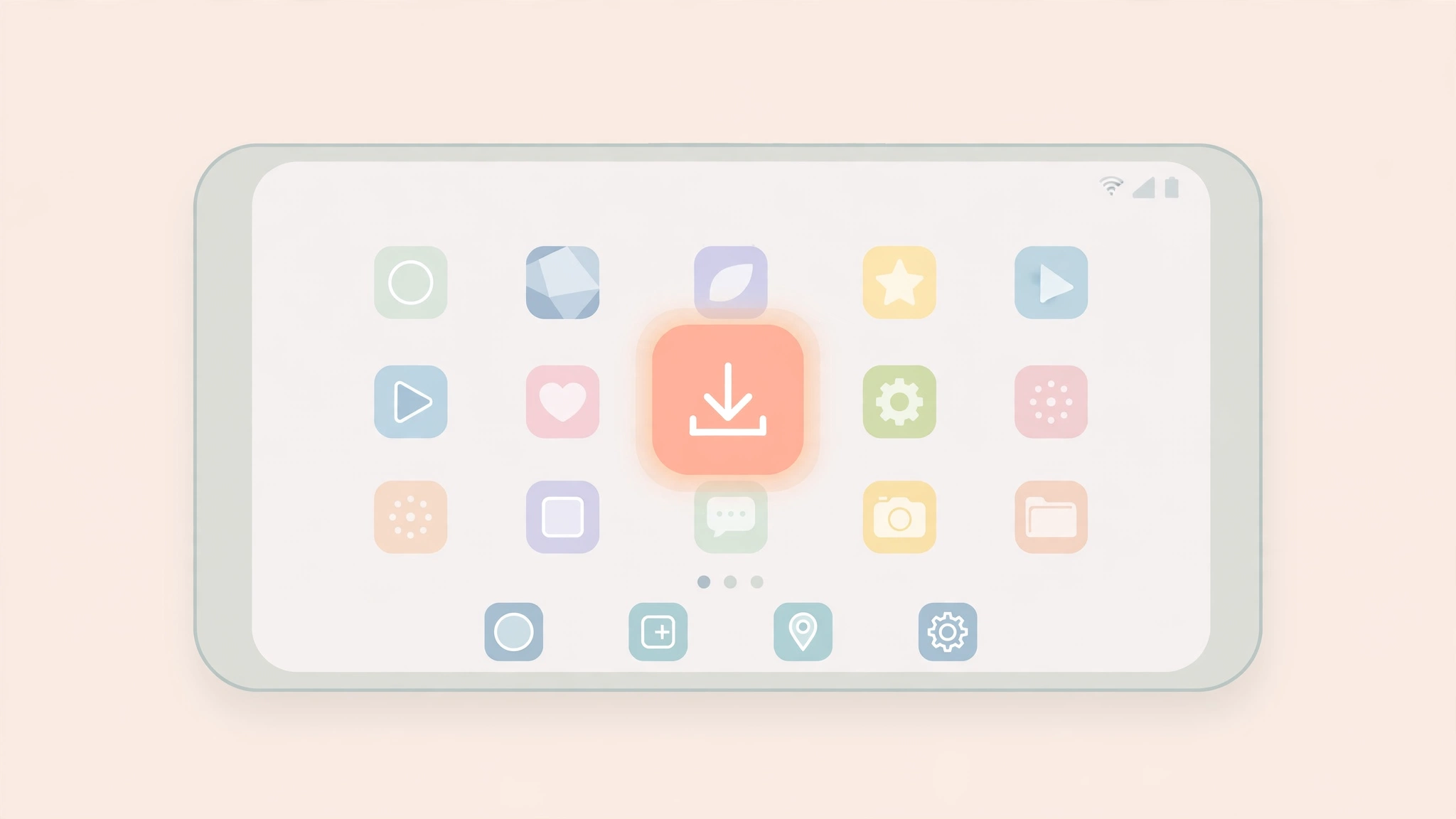
In Chrome, open the viewer site, tap the three-dot menu, and choose “Add to Home screen”. Android puts an icon on your home screen that opens the viewer in its own full-screen window.
It looks and feels like an app. It launches in one tap. But it is still just your browser, which means it still asks for nothing and takes nothing. I use this exact setup on my own phone, and honestly, I forget it is not a real app half the time.
Downloading Stories on Android
Sometimes you want to keep a Story, not just watch it. A recipe, a workout, a quote you want to read again later.
On Android this is painless. When the viewer offers a download button, tap it and the file saves straight to your Downloads folder. Give your gallery a moment and it shows up in your photos like anything else you saved.
Two honesty notes. First, keep downloads to public content for personal use. Reuploading someone else’s Story as your own is a copyright problem, not a viewer problem.
Second, the same capture rules apply on Android as everywhere else. I mapped the whole policy in my guide on whether Instagram notifies screenshots. Short version: Stories are silent, disappearing DMs are not.
Samsung Internet, Firefox, and Every Other Android Browser
People ask me if they need Chrome specifically. You do not.
Samsung Internet, Firefox, Edge, Brave, and Opera all run the same web. A browser-based viewer does not care which icon you tapped to get online. Type the username, watch the Story, same result.
Your Android version does not matter either. Old phone, new phone, the browser does all the work. That is one of the quiet advantages of the no-app approach: no “requires the latest Android” nonsense, no update nagging, no storage eaten by an app you open twice a month.
On an iPhone instead? The same no-app approach works there too. I wrote a dedicated iPhone walkthrough if that is your other device.
What Anonymous Viewing Can and Cannot Do on Android
Let me be straight with you about the limits, because an honest tool tells you where it stops.
On Android, through a browser viewer, you can watch Stories, Highlights, posts, and Reels from public accounts. No login, no trace on viewer lists. I covered the Highlights side in my anonymous Highlights guide.
What you cannot do: view private account content you do not follow, or see Close Friends Stories. That wall is enforced by Instagram’s servers, not by any app’s goodwill. No Android app on earth gets around it, whatever its Play Store description promises.
If private viewing is what you actually need, the only legitimate path is the follow button. Everything else is a scam wearing a download button.
Red Flags: Android Downloads You Should Never Touch
Android has one danger iPhones mostly avoid: sideloaded APKs. Some viewer sites tell you to download their APK “for the full experience” instead of using anything official.
Do not. An APK from a random website can carry anything, and a story viewer that tells you to disable Play Protect to install it is telling you exactly what it is. I have seen these bundles ask for SMS access and device-admin rights. For a story viewer. Let that sink in.
Your red-flag checklist for anything Android and story-viewer shaped:
- It asks for your Instagram login on a page that is not instagram.com
- It wants permissions unrelated to viewing, like contacts or location
- It demands an APK download with Play Protect switched off
- It promises private account or Close Friends access
- It locks features behind surveys or “human verification” walls
One clean rule covers all five: a real viewer shows you public content the second you type a username. Anything that makes you jump through hoops first is monetizing you, not serving you. I wrote the full breakdown in my guide on whether story viewers are safe.
Frequently Asked Questions
Do I need an app to view Instagram Stories anonymously on Android?
No. A browser-based viewer works in Chrome, Samsung Internet, or Firefox on any Android phone. Type the username and watch, with nothing to install and no login required.
Are there safe anonymous story viewer apps for Android on the Play Store?
Be careful here. Most Play Store viewer apps ask for your Instagram login, which ends your anonymity the moment you sign in, and some harvest credentials outright. The browser method skips the whole problem: no login means nothing to steal and nothing linking the view to you.
Can someone see that I viewed their Story if I use a viewer on Android?
No. A browser viewer never logs into Instagram as you, so your name never appears on their viewer list. The visit is never recorded under your account in the first place.
Can I download Instagram Stories to my Android phone anonymously?
Yes. Viewer tools with a download option save the Story file to your Downloads folder, and it appears in your gallery shortly after. Keep downloads to public content for personal use.
Does Add to Home screen make the viewer less anonymous?
No. The home screen shortcut only opens the same browser page in a full-screen window. It adds no login, no tracking, and no account link. It is convenience only.
Will this work on older Android phones?
Yes. Everything runs in the browser, so your Android version barely matters. If your phone can open a modern browser, it can use a web-based viewer.
Can any Android app show me private account Stories?
No. Private and Close Friends content is locked by Instagram’s servers to approved followers only. No app, website, or APK can bypass that. Anything claiming otherwise is a scam.
Is viewing Stories anonymously on Android legal?
Viewing public content without logging in breaks no law. You are looking at content the account owner chose to make public. I covered the full legal picture in my guide on whether anonymous viewing is legal.
The Bottom Line
Here is the Android answer in one go. Skip the Play Store apps. Open your browser, type the username, and watch. Add the site to your home screen if you want the one-tap feel.
Never type your Instagram password into a viewer. Never sideload a viewer APK. Never believe an app that promises private accounts.
That is exactly why I built anonimogram the way I did: a web page that works on every Android phone, asks for nothing, and tells you plainly what it cannot do. If that sounds like what you need, try it right here and see for yourself.
Try the public Instagram viewer
Search any public profile — no account or login required.
Related articles
Does Instagram Notify When You Screenshot a Story? (2026 Truth)
Does Instagram notify when you screenshot a story? No, except for disappearing DMs. Full 2026 matrix for stories, reels, posts, and DMs.
How to View Instagram Reels Without an Account (2026 Guide)
Want to watch Instagram reels without an account? I tested every working method in 2026, from shared links to anonymous viewers, and explain the login wall honestly.
Is It Legal to View Instagram Stories Anonymously? Honest Answer (2026)
Is it legal to view Instagram stories anonymously? Honest answer: what the law says, what Instagram’s Terms actually mean, and the real risks you face.